How to Improve Relevance of Posts in Your RunByte.Tech Dashboard

Getting irrelevant or spammy posts cluttering your RunByte.Tech dashboard? This guide walks you through three targeted actions: refining your product description, expanding your competitor list, and training the feed with usefulness signals, so your dashboard surfaces only the posts that matter.
Why Post Relevance Matters
The RunByte.Tech dashboard pulls Reddit posts based on what it knows about your product and its competitive landscape. The more precise that context is, the less noise you see. These three steps directly shape what the system treats as relevant.
Step 1: Update the Product Description
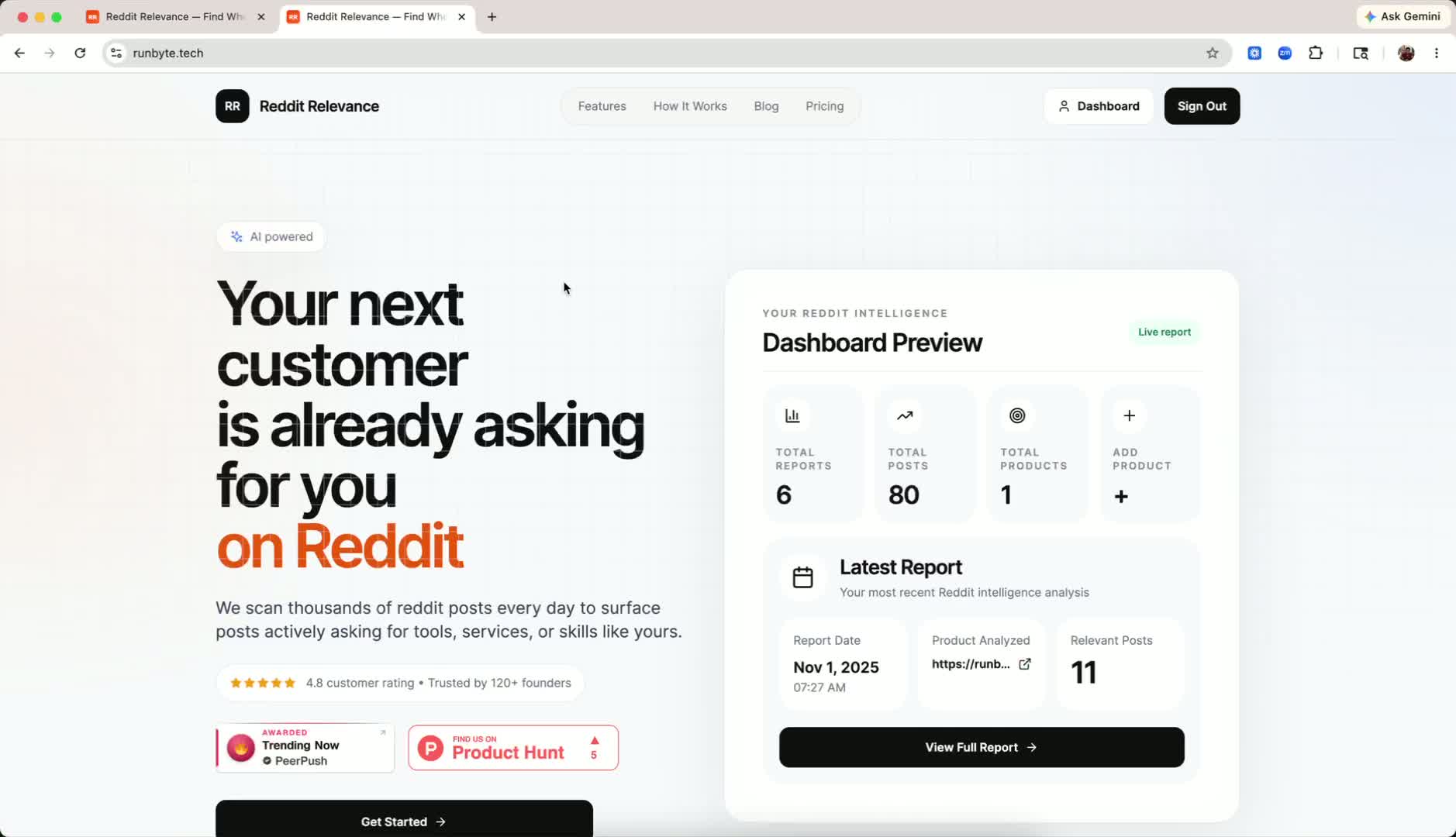
- Go to the Product tab.
- Click Edit on the product you want to update.
- Revise the description so it accurately reflects the product's category and use case.
- Be explicit about scope. For example, if the product only serves the software category, state clearly that it does not apply to the hardware category.
- Save your changes.
Why this matters: A more precise description gives the system a sharper signal, which directly reduces off-topic posts in your feed.
Step 2: Add Competitor Products
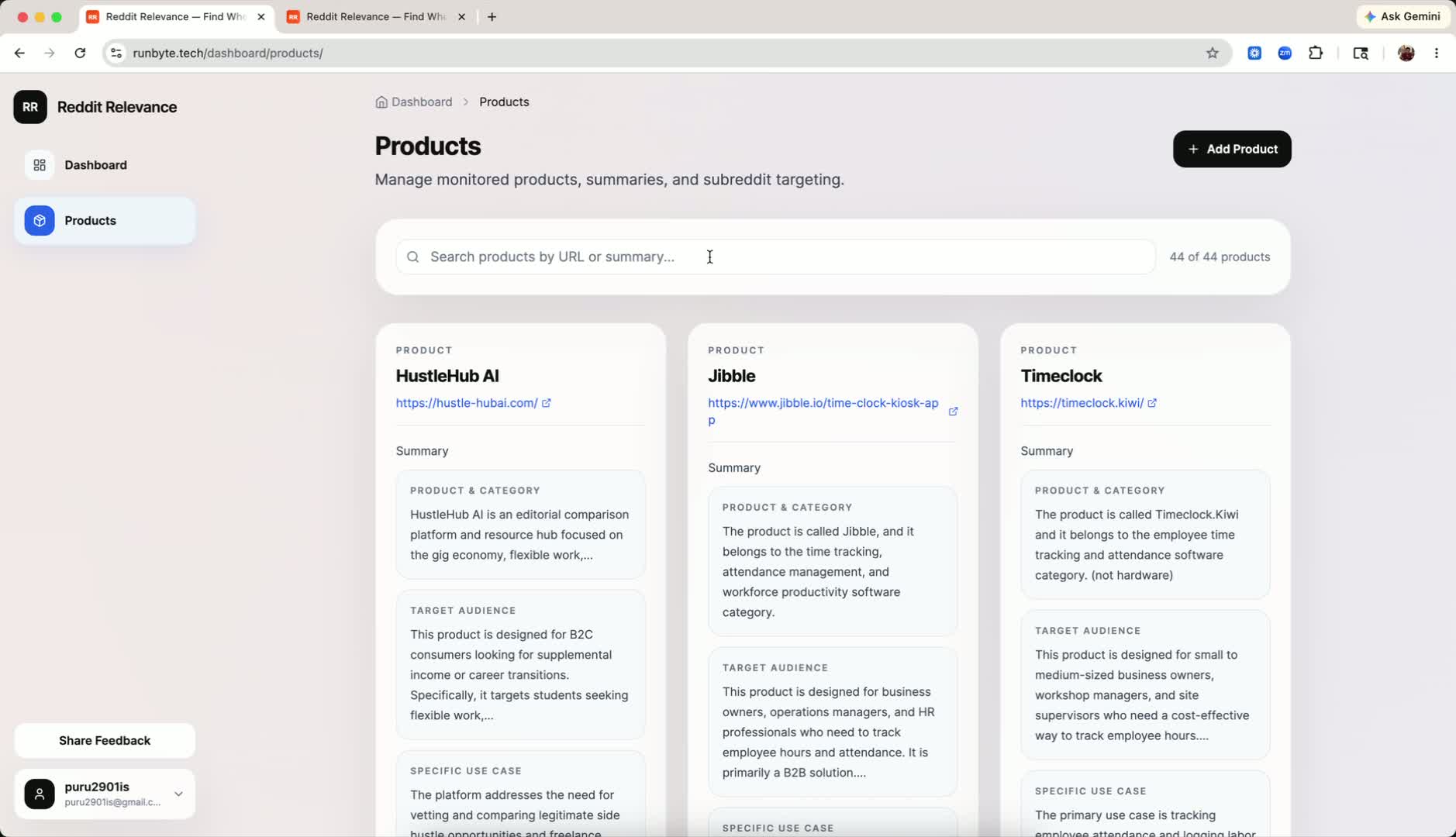
- In the product setup area, locate the Competitor Products field.
- Enter the names of competing products in the same niche.
- Add as many relevant competitors as you can. Broader coverage means richer context.
- Review the posts that surface to understand how your market responds across the competitive landscape.
Why this matters: Competitor entries help the system map your niche more completely, which improves the relevance of posts shown across the entire dashboard.
Step 3: Mark Posts as Useful or Not Useful
- Open the Dashboard.
- Review each post and decide whether it is relevant to your work.
- Use the built-in usefulness controls to mark each post accordingly.
- Do this consistently: the more feedback you provide, the better the system learns which content to filter out.
Why this matters: Your usefulness signals act as training data. Consistent marking reduces spam and progressively raises the quality of posts shown in your feed.
Cautionary Notes
- Keep product descriptions accurate: incorrect categorisation reduces relevance rather than improving it.
- Only add competitor products that are genuinely in the same niche.
- Mark posts carefully and consistently; inconsistent signals reduce the quality of filtering.
- Avoid over-editing descriptions in ways that broaden the scope beyond the product's actual use case.
Tips for Efficiency
- Prioritise the most important product descriptions first, then work through the rest.
- Add competitors in batches to quickly improve niche coverage in one session.
- Build usefulness marking into your regular dashboard review so feedback stays fresh.
- Revisit descriptions and competitor lists quarterly to stay aligned with market changes.
Once your feed is tuned, the next step is knowing what to do with what surfaces. Our guide on finding relevant leads and market opportunities covers how to read signal categories once the noise is gone.
Full walkthrough: Watch the Loom video
Ready to Find Your Reddit Audience?
RunByte helps you reach the SaaS buyers already asking on Reddit.
Try RunByte